A well-run event feels simple from the seats. The speaker is heard clearly, the slides change when they should, and people watching online see the same programme as the room. Behind that calm is a chain of AV work — and, more often now, a few carefully chosen AI tools.
This is not a story about replacing operators. At PROLIVE, the technology is there to support the programme: multi-camera coverage, sound, screens, a livestream, or a hybrid setup with a remote speaker on the hall screens. AI can assist in a few useful places. The crew still runs the show.
How the event day holds together
Think of the day as a path, not a pile of equipment:
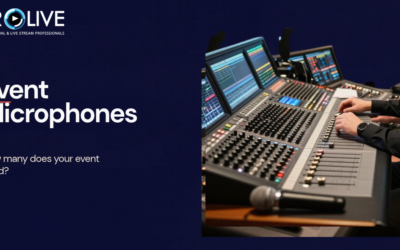
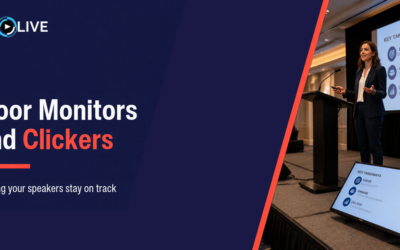
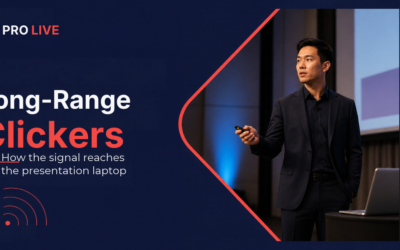
- On stage — speakers, microphones, a lectern, sometimes a clicker and a floor monitor.
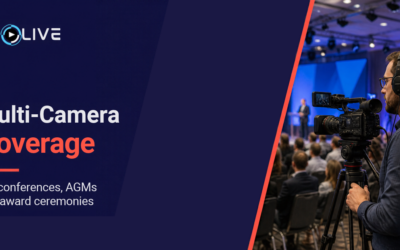
- At the control desk — cameras, the audio mix, and the switch between speakers, slides and playback.
- To the venue screens and the livestream — the picture and sound the room, and anyone watching remotely, will actually receive.
- To the people in the hall and online — which is the only part most guests will remember.
If any link in that path is late, the programme feels late, even when the speaker is ready. Planning the path in advance — and writing it into a run-of-show — is what makes the technology feel invisible.
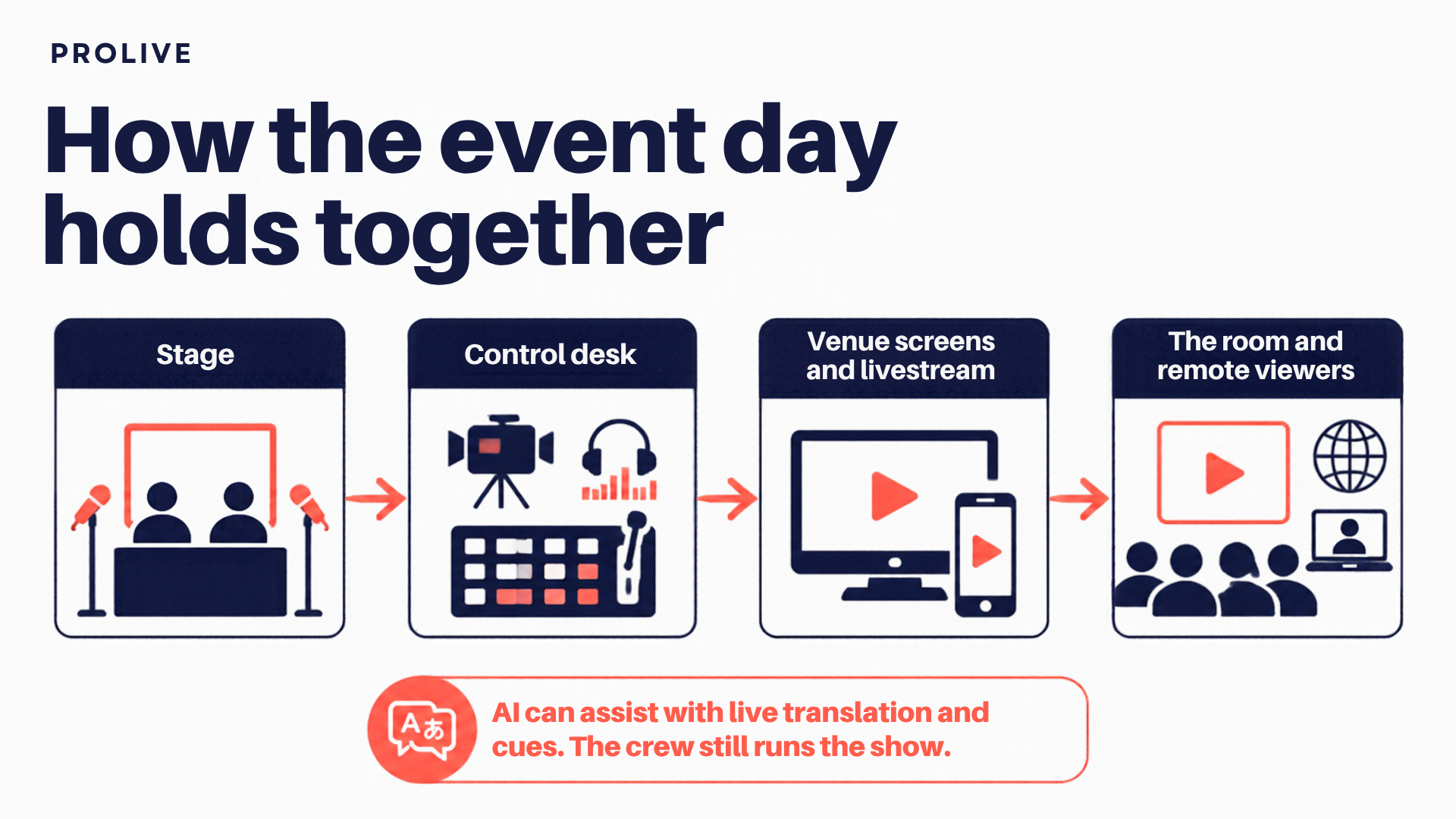
How the event day holds together, from the stage to the room and to remote viewers. AI can assist with live translation and captions. The crew still runs the show.
Where AI helps — and where the crew still leads
Used well, AI is a support tool on the day, not a second producer. These are the places organisers in Singapore most often ask about.
Live translation
If your audience is mixed — English and Mandarin is a common brief here — a live translation can be sent to a second projector, a row of TVs, or a guest device. AI translation is much more practical for this now, provided it is tested in the actual room, with the event microphones, before doors open. The operator still chooses what goes to which screen, and still listens for a sentence that needs a human correction.
Captions
Live captions help guests who prefer to read along, in a large hall or on a stream. Automatic captions are a good starting point, but they still need a person watching, because names and place names are where machines slip. Every event is different, so if captions matter to you, ask us early and we will advise what suits your room and audience.
Hybrid events and livestreams
On a hybrid event, a remote speaker has to be heard in the hall and on the stream without echoing, and their picture has to sit cleanly on the venue screens. Mix-minus audio — a mix that leaves out the remote caller’s own sound — is standard, so they are not talking over themselves.
On a livestream, the same desk is thinking about what a remote viewer can follow: a clear shot of the speaker, readable slides, and a stable mix. AI captions or a translation feed can sit alongside that picture. They do not replace a decision about which camera is on. The smoothest days are the ones where the tools were chosen early, tested in the venue, and written into the same cue sheet the coordinator is holding.
A practical checklist
- Decide early whether you need a room-only show, a livestream, or a hybrid speaker.
- Tell the crew if you want live translation, captions, or on-screen name graphics, so screens and a spare machine can be planned.
- Test any AI translation or caption tool with the event microphones, not only with a voice memo in an office.
- Put start and stop times for the stream, and any language or caption feeds, on the run-of-show.
- Agree who is watching the AI output and is allowed to correct it.
- Leave time after the event if you want a highlights piece or a full programme copy. That editing takes two weeks.
Frequently asked questions
Will AI run the cameras for us?
AI can help in the background, but a live event still needs an operator who can see the room. A late speaker, a question from the floor, or a pause for a photograph is something a person should decide.
Can we add live translation on the day?
It is much safer to decide this in the briefing and to test it at the recce, or at least the day before. Translation has to reach the right screens, and the sound going into the tool has to be clean.
Do captions appear automatically on the livestream?
Only if we have planned them as part of the stream. Captions are an output, like a second language screen. They need a destination, a style, and someone to watch them. Mention them when you book, not in the last hour.
If we use AI, do we still get the recording sooner?
No. A raw recording can be arranged as an optional extra. Any edited film, reel or full event video is still delivered in two weeks. AI on the event day is there to help the live programme, not to shorten the edit.
The aim is a programme that feels steady for the people in the hall and the people watching from elsewhere. Good AV, used with a little well-chosen AI, is one of the quieter ways to get there.
Not sure which service you need? WhatsApp us and we’ll help you work it out.
WhatsApp: +65 9452 0491