In a Singapore ballroom, the speaker is often on a stage at one end of the room, and the presentation laptop is at a control desk at the other. Between them sit tables, guests, lighting and, quite often, 30 to 50 metres of cable to the screens. The clicker has to work across all of that, without the speaker walking back to the laptop.
That is why PROLIVE’s display services include a professional long-range clicker, rated for up to 300 metres, alongside floor monitors, confidence monitors and a connection to the venue’s projectors. Here is how that clicker talks to the laptop, how it differs from a consumer remote, and why a reliable unit costs more.
How the clicker reaches the laptop
A professional clicker is a small radio transmitter in the speaker’s hand. It does not usually connect to the laptop by Bluetooth. A USB receiver sits in the presentation computer at the control desk. When the speaker presses “next”, the receiver turns the radio signal into a keystroke the slide software already understands.
Because the receiver travels with the laptop, the speaker can move around the stage without standing next to the computer. The laptop can stay where the crew can see it — which matters even more on a livestream or a hybrid event, when that same computer may also be feeding the hall screens.
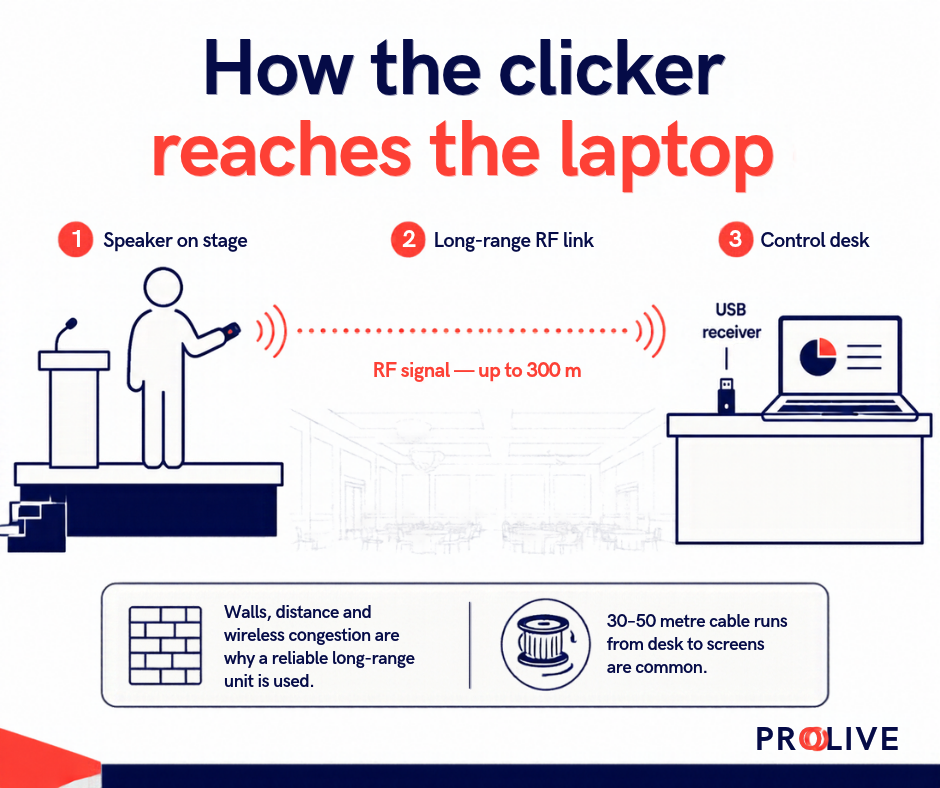
How the clicker reaches the laptop: an RF signal from the stage to a USB receiver at the control desk, over a range of up to 300 metres.
RF, Bluetooth and infrared — and why line of sight matters
Not every “slide remote” uses the same kind of signal.
Infrared (IR) works like a television remote. It needs a clear line of sight to a sensor. If the speaker turns away, if a lectern is in the way, or if the laptop is across the ballroom, the cue does not arrive. IR is fine for a small meeting room, but a poor fit for a hall.
Bluetooth pairs the clicker to one device, usually over a short range. In a quiet office that can feel adequate. In a busy event it is less predictable: guest Wi-Fi, phones and other wireless equipment already crowd the same space, and a pairing can drop, delay, or attach itself to the wrong computer.
Radio frequency (RF) is what a professional long-range clicker uses. The signal is meant to reach a dedicated receiver, and it does not need line of sight. It can pass through an audience and, in most halls, the distance between the stage and the desk.
RF is not magic. Thick walls, metal structures and a busy wireless environment can still weaken a signal. That is why range is quoted as “up to” 300 metres, and why a recce of an unfamiliar venue still matters. A typical hotel ballroom or conference hall sits comfortably inside that range.
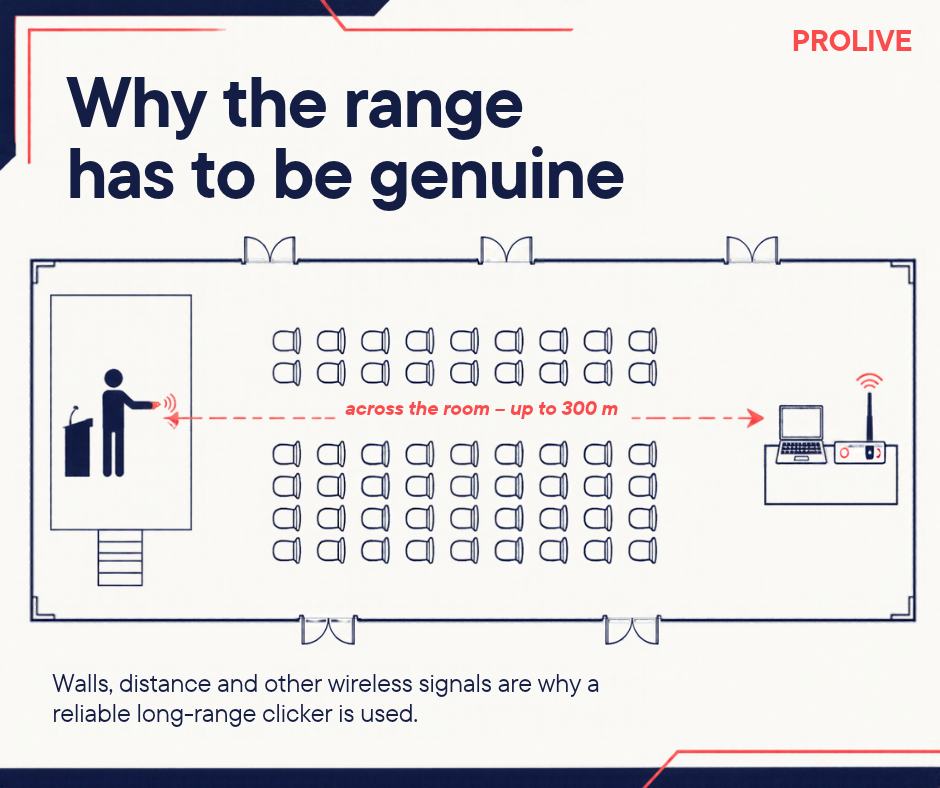
Why the range has to be genuine: the speaker and the laptop are often at opposite ends of the room. The plan is not to scale.
Interference and laser pointers
A missed cue can come from another remote in the same band, a dense Wi-Fi network, or several presenters handing devices around. A dedicated receiver, a labelled clicker, and a spare battery or spare unit are simple defences. So is agreeing, in the run-of-show, who holds the clicker during a panel.
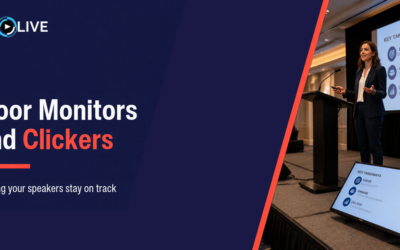
One extra is worth having. A laser pointer lets the speaker point to a place on the main screen without walking up to it — useful in a large hall, if it is used sparingly and never towards a camera or a guest. To help speakers keep to their slot, a floor monitor or confidence monitor can show the slides and a countdown, right where they can see it.
Why good ones cost more
A reliable long-range clicker costs more than a small consumer remote because you are paying for the radio path, not only for the plastic in the hand. The receiver has to be dedicated, so it is not competing for a loose Bluetooth pairing. The radio has to keep working across a hall full of people, lights and other wireless devices, and the buttons have to survive being passed from speaker to speaker. You are also paying for a laser you can trust and a range figure that still means something at the back of the room. We do not print prices here. The honest reason a professional unit sits in an event kit is that it is better to use a clicker that works than to recover a programme mid-sentence.
A practical checklist
- Tell the crew if the speaker likes to leave the lectern — that is when a long-range RF clicker matters most.
- Keep the presentation laptop and its USB receiver at the control desk, where someone can see the slides as well as the speaker.
- Put a spare battery, or a spare clicker, in the same pouch as the receiver, and agree who holds the clicker during panels.
- Book floor monitors or a confidence monitor if the speaker should also see a countdown and the current slide.
- Mention other wireless equipment in the room at the recce.
Frequently asked questions
Can the speaker use their own clicker?
Sometimes, if it is an RF unit with a receiver we can test in the room. A Bluetooth remote already paired to a personal laptop is a common source of trouble, so agree this before the event.
Will it work if the laptop is behind a wall or at the back of the hall?
A professional RF clicker is designed to work without line of sight, and a range of up to 300 metres covers a typical ballroom comfortably. Unusual layouts are one reason we recce a new venue.
Does the clicker work with any slide software?
In almost every case, yes. The receiver arrives as a simple keystroke, which PowerPoint, Keynote and most other tools already understand. Less common systems can be tested at the recce.
Why not just change the slides from the control desk?
The desk can always take over if a clicker is dropped or a battery dies — and that backup should be on the run-of-show. Most speakers, though, want to change their own slides in their own time.
A clicker is a small thing until it fails. When it works, nobody in the hall thinks about it.
Not sure which service you need? WhatsApp us and we’ll help you work it out.
WhatsApp: +65 9452 0491